
For the complete documentation index, see llms.txt.The platform can compute conjunction assessments using your spacecraft’s internal state vectors instead of relying solely on externally provided data.
Compute Conjunction
Recompute the Probability of Collision (PoC) for an existing conjunction by combining your own spacecraft state vector with the secondary object data from the latest alert. The result is a new alert with “Valar” as the originator.Opening the Dialog
From the Conjunction Classification page, click the Compute button in the toolbar.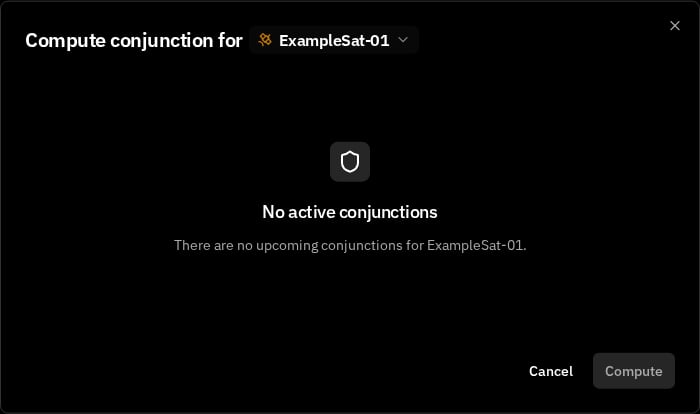
Configuration
Start by selecting the Spacecraft and Conjunction to recompute. Only conjunctions with future TCAs are available. The dialog then shows two columns — one for the primary object and one for the secondary object.Primary Object (Left)
- State Vector — Choose one of the spacecraft’s state vectors from the last 30 days. The dialog shows the epoch and orbital elements for reference
- Hard Body Radius — Set the spacecraft’s collision radius in meters (0.1–1000 m)
Secondary Object (Right)
- Alert — Select which alert to use for the secondary object’s state. The latest alert is selected by default
- Hard Body Radius — Set the secondary object’s collision radius in meters
Running the Computation
Click Compute once both sides are configured. The computation takes a few seconds.Results
On success, a results card appears showing:- ID — Identifier for the newly created alert
- TCA — Time of Closest Approach
- PoC — Recomputed Probability of Collision
- Miss Distance — Predicted closest distance in meters
- Relative Velocity — Closing speed in m/s
- Mahalanobis Distance — Statistical distance in sigma units
- Combined HBR — Total hard body radius used
- Computation Method — Algorithm used (configured in Settings)
Related Pages
- Conjunction Classification — View and manage conjunction events and risk levels
- Fetch Alerts — Download alerts from external space surveillance providers
- CDM Format — Conjunction Data Message file format reference